
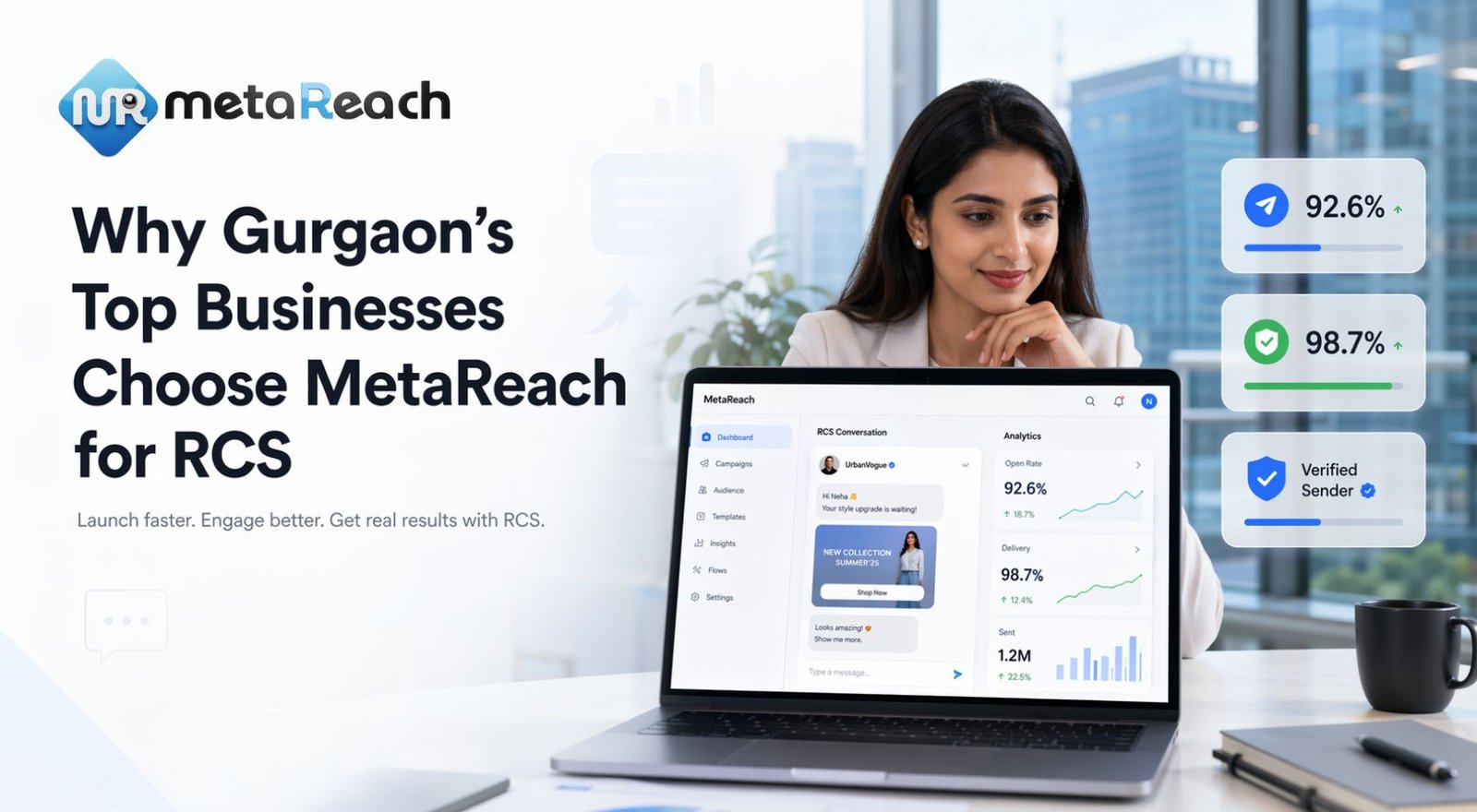
RCS Features for Gurgaon Businesses
Verified Sender
After Google brand verification, your brand name and logo appear on the conversation, so customers can see who is messaging them.
Rich Cards and Carousels
Show a project, floor plan or offer in the message, with details and a button on each card, instead of a plain text link.
Action Buttons
Add buttons such as "Book site visit", "RSVP", "Call" or "Pay now". A payment button opens your payment page or UPI app; the payment does not happen inside RCS.
SMS Fallback
Customers who can't receive RCS get a DLT-registered SMS instead, so the campaign still reaches them.
Delivery and Read Status
See what was delivered and read. Read status only shows for customers who have read receipts switched on, so treat it as a partial signal.
API Integration
Send RCS from your own systems and use webhooks for status events. See the RCS API integration guide.