Most people only think about IVR when it goes wrong: five menu options, none of them right, and no obvious way to reach a person. The technology is rarely the real problem. The menu was simply built around the company's departments rather than the caller's reason for phoning.
This guide covers the basics and, more usefully, the decisions you will face when planning one. If you want the wider picture, including IVR types and industry examples, read our full explanation of IVR systems.
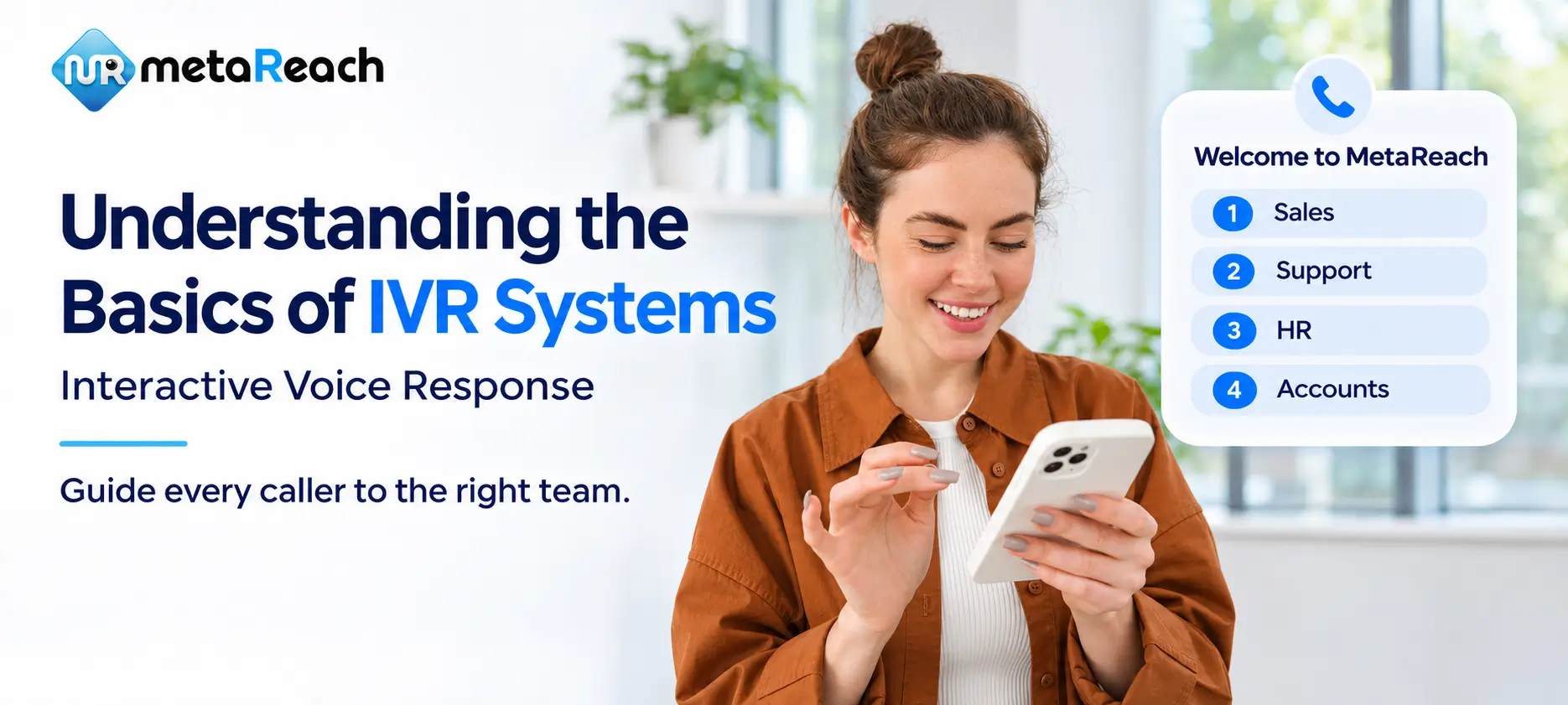
IVR stands for interactive voice response. The system plays a prompt, collects the caller's input and responds according to the rules you have set. You already know the classic example: "For billing, press 1. For technical support, press 2."
A more capable system goes further. Connected to your business software, it can look up an order or an account rather than only passing the call along.
Think of it as the front desk of your phone line. It finds out why someone called and works out what should happen next, which might be an automated answer, one more question or a transfer to a person.
The two terms get used interchangeably, but they do different jobs. IVR gathers information by talking to the caller. Call routing uses that information, with rules such as time of day, to decide where the call goes. So a caller who chooses technical support joins that team's queue instead of waiting at general reception.
Behind every IVR are four parts: a phone connection, audio prompts, a way to recognise the caller's input, and the logic that decides what happens next. A typical call runs like this:
Here is a small example. A delivery company asks for an order reference, then checks its order database. That is the easy path. The harder question is what happens when the reference is wrong or the database is down. Sketch that path too, and give the caller a way to try again or ask for help.
Choose based on the task, not on what sounds most advanced.
| Style | How the caller responds | Works well for | Watch out for |
|---|---|---|---|
| Keypad menu | Presses a number | Short, clear choices such as opening hours or department selection | Long or deep menus |
| Speech menu | Says a set word, such as "billing" | Callers who are driving or cannot easily use a keypad | Background noise and different accents |
| Conversational | Describes the need in their own words | Many possible requests that do not fit a neat menu | More set-up and testing; misunderstood requests |
In India, language matters as much as input style. If your callers are spread across regions, consider a multi-language IVR. And wherever speech is used, keep a keypad fallback if you can, so one misheard word does not become a dead end.
Start with one specific job, not a broad goal to "automate calls". Good first candidates include:
Before you automate any of these, ask three things: what information does it need, who keeps that information up to date, and what happens when automation cannot help? You can also see how this looks in practice for hospital appointments, admission enquiries, banking support and SaaS support.
An IVR payment system lets a caller enter payment details during a call and passes them to a connected payment processor. The processor's result then decides what the caller hears next. It takes far more than adding "press 3 to pay" to your menu.
Security needs its own review, because a general-purpose IVR does not automatically protect card details in every recording, log and connected application. Some platforms offer specific controls; Twilio's documentation, for instance, describes its voice payment workflow, and the PCI Security Standards Council publishes the card-data standards.
Before launch, ask your provider and security team to walk you through the whole data path: which processors are supported, how sensitive details are handled and what you must configure yourself. Also plan for failed attempts and dropped calls, and never announce success until the processor has confirmed it. If you need this, ask us what your set-up would involve.
Write down the most common reasons people call, then build the shortest sensible route for each. Use your customers' words, not your org chart. Someone chasing a missing delivery should not need to know which team owns the problem.
AWS makes a similar point in its Amazon Connect flow guidance: every path, including errors, should lead somewhere deliberate.
Here is a simple test. Read your script aloud, then ask someone who does not know your business to get through it without help. Wherever they hesitate, your menu needs work.
A polished demo greeting tells you very little. Ask each provider to show three of your real scenarios: a simple request, something that goes wrong, and a transfer to a person.
Then think about life after launch. Who changes a prompt when your hours change? Can you test an update first, and go back if it breaks? Ask for the full cost too, including usage and integration charges. Our IVR pricing guide shows what to look at, and our guide to choosing an IVR provider covers the wider comparison. If you are still deciding on the setup itself, compare cloud IVR with a traditional PBX and toll-free with IVR numbers, and check the IVR number formats used in India.
Decide what success means before you go live. Useful measures include time spent in the flow, transfers, queue waiting, abandoned calls and how many callers finish each task.
Look at each task separately, because overall averages hide problems. If one menu branch keeps producing wrong key presses or transfers, that is where to look first, alongside what customers are telling you.
Be careful with "fewer calls to agents" as your only target. A caller who gives up and hangs up also lowers that number. Aim for completed tasks and the right help, change one weak point at a time, and check whether the change actually worked.
An IVR (interactive voice response) system is automated telephone technology. It plays recorded or generated prompts, collects the caller's keypad or spoken response, and then gives information, asks another question or connects the call to a person.
IVR collects information by interacting with the caller. Call routing uses that information, along with rules such as time of day or team availability, to decide where the call goes. Most business phone systems use the two together.
DTMF stands for dual-tone multi-frequency. It is the signal a phone sends when a caller presses a key, and it is how an IVR knows that someone pressed 1 for billing.
Start with the task. A short keypad menu is often enough for simple choices. Speech can help when there are many possible requests, but test it with real accents and background noise, and keep a keypad option where you can.
It can, but only with a payment processor integration and a security setup designed for it. A general-purpose IVR does not automatically protect card details in recordings and logs, so ask your provider and security team to explain the full data path before launch.
Review each caller task: how many people finish it, where they transfer out, where they enter invalid options and where they hang up. Fewer calls reaching agents is not success on its own if callers still have not got what they needed.
Start with a few common caller needs, map what happens when things go right and when they go wrong, and test the whole journey. Add more automation only when the existing routes are clear and dependable. IVR also works alongside other channels, such as missed call service, click-to-call, voice OTP and outbound voice calls.
Tell us why people call you, and we'll help you plan the call flow. See our IVR services for what we offer.
Book a Free Demo Call +91-7669999219From startups to enterprises - brands that grow with MetaReach