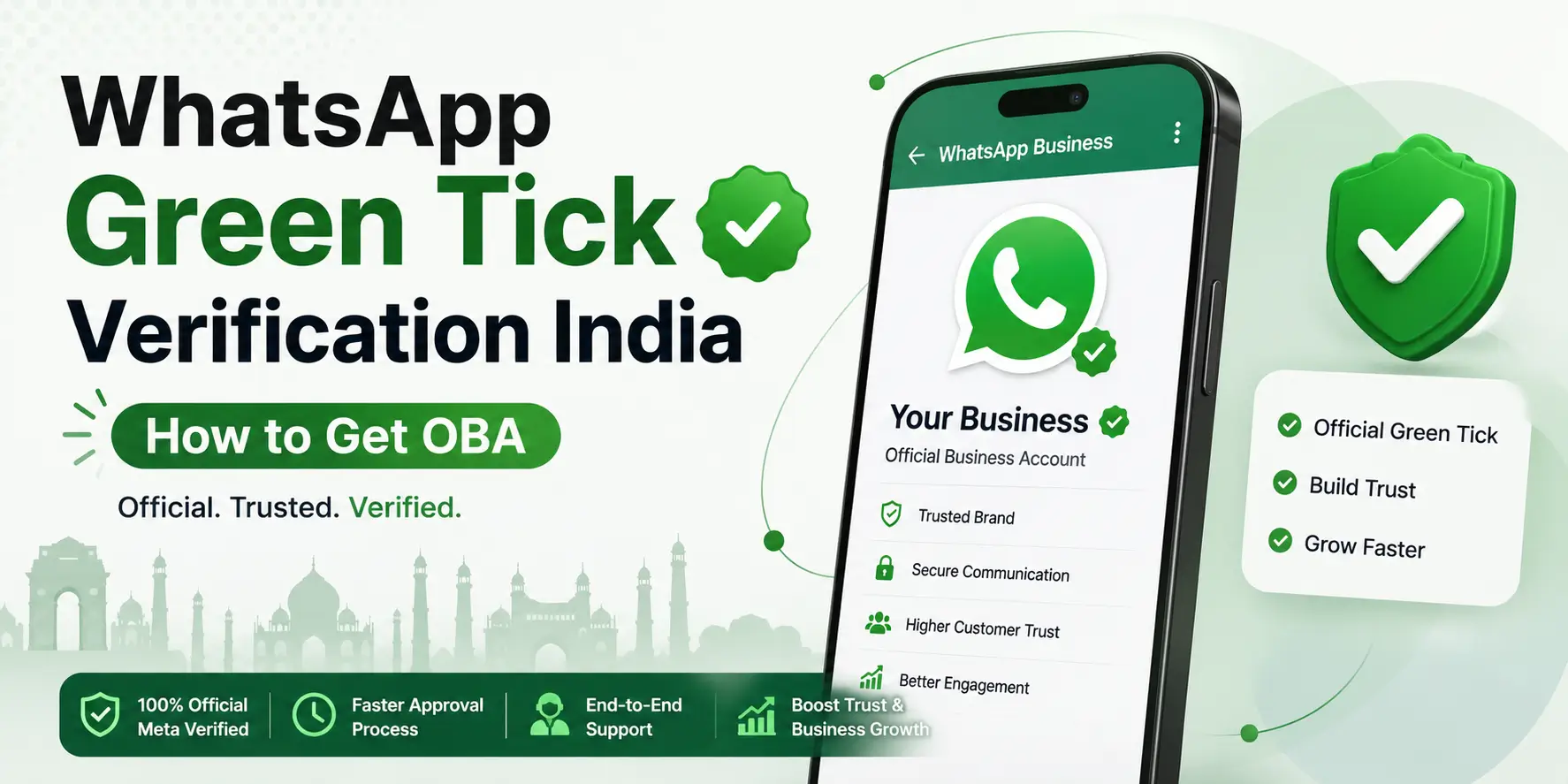
The WhatsApp green tick — officially called the Official Business Account (OBA) badge — is the verified checkmark that appears next to your business name in WhatsApp. It tells your customers: "This is the real, verified account of this business." For Indian businesses, the green tick changes how customers perceive your messages — verified accounts are trusted, unverified accounts are ignored.
Getting the WhatsApp green tick in India requires WhatsApp Business API access through a Meta-authorised BSP like MetaReach, a verified Meta Business Manager, and meeting Meta's business notability criteria. MetaReach handles the complete green tick application process as part of standard API onboarding — most clients in India receive verification within 2–4 weeks of submitting their application. To understand the broader setup path, read our guide on WhatsApp Business API and our detailed article on how to get WhatsApp Business API.
What Is the WhatsApp Green Tick? (And What It Isn't)
Most business owners assume any WhatsApp Business account eventually earns a badge if it behaves well. That's not how it works. There are three distinct tiers of "verification" on WhatsApp, and only one of them carries the green tick.
| Account Type | What Recipients See | Verification Level |
|---|---|---|
|
WhatsApp Business App
|
Grey tick only, next to a business profile | Basic — no Meta review |
|
Business API (no OBA)
|
Phone number only, no name, no badge | None — unverified by default |
|
Official Business Account (OBA)
|
Green tick, business name displayed | Highest — Meta-reviewed |
The part that catches people off guard: the green tick is not automatic with WhatsApp Business API. Having API access gets your business onto the platform Meta uses to grant OBA status — it does not grant that status by itself. The badge requires a separate application, and Meta alone decides whether to approve it.
Why People Search "WhatsApp Blue Tick" When They Mean This
If you landed here searching for "blue tick," you're in the right place — but it's worth clearing up the terminology, because there are genuinely two different things being discussed under that name.
The badge covered on this page — the OBA green tick — is the one shown next to a business name on the WhatsApp Business API. It is a green checkmark, not blue, and it does not have a subscription price; it's approved or rejected by Meta based on the criteria below. Separately, Meta also runs a paid subscription called Meta Verified for WhatsApp Business, aimed at smaller businesses using the free WhatsApp Business App rather than the API. That subscription (roughly ₹639–₹18,900/month depending on tier) grants its own verified badge and comes with a 20-day profile lock — change your business name, photo, or description in that window and the badge is removed until you resubscribe.
These are two different products solving a similar trust problem, and a lot of "blue tick" search traffic and marketing copy conflates them. If your business already runs WhatsApp Business API, the OBA green tick documented on this page is the relevant one. If you're a smaller business on the free Business App looking for a paid verified badge without moving to the API, Meta Verified is the one you're likely looking for — talk to us and we'll tell you honestly which path fits your situation.
Why the Green Tick Actually Matters for Indian Businesses
Indian consumers have been trained, painfully, to distrust unknown numbers on WhatsApp. Scam messages, fake delivery links, and impersonation attempts have made "unfamiliar sender" synonymous with "probably fraud." A verified green tick is one of the few signals that cuts through that suspicion instantly.
- Higher open rates. Verified messages typically see 30–40% higher open rates compared to unverified sends, simply because recipients recognize the sender as legitimate.
- Less blocking. Customers are markedly less likely to block or report a number that carries the green tick and a recognizable business name.
- Brand recognition, not a phone number. Your actual business name appears in the chat, replacing a cold ten-digit number nobody would otherwise tap into.
- Fewer spam complaints. The badge signals legitimacy to WhatsApp's own detection systems, which in practice means fewer flags on your sending patterns.
- B2B credibility. For enterprise sales conversations in particular, a green tick is increasingly treated as table stakes rather than a nice-to-have.
None of this is subtle in the Indian market specifically. When a customer already assumes most WhatsApp business messages are scams until proven otherwise, the green tick is what proves otherwise.
Quick gut check: are your WhatsApp messages currently going out under your business name, or under a number your customers don't recognize?
If it's the latter, that's very likely costing you opens before the message is even read.
Talk to MetaReach about your green tick eligibility →WhatsApp Green Tick Requirements India 2026
This is the section people search for most, so let's be precise rather than vague. Meta evaluates five things before approving an Official Business Account:
- WhatsApp Business API through an official Meta BSP. This is required — the green tick is not available on the free WhatsApp Business App, no matter how large or well-known your brand is.
- A verified Meta Business Manager. Your business must already be verified on Facebook Business Manager before an OBA application can be submitted.
- Business notability. Meta requires your brand to be genuinely notable — news coverage, a Wikipedia presence, a significant social media following, or otherwise established brand recognition. This single criterion is the most common reason applications get rejected.
- A clean compliance record. No violations of WhatsApp's Business Policy on file for your account or number.
- A phone number with no ban history. Numbers previously flagged or banned on WhatsApp will not clear review.
- A Green or Yellow WABA quality rating. Your WhatsApp Business Account's messaging quality score matters — a history of user blocks or spam reports on your number can disqualify an otherwise-eligible application.
- Display name consistency. The name on your WABA must match your business's legal or widely recognised trading name. Mismatches between your WhatsApp display name and your legal documents are a common, avoidable rejection trigger.
Businesses that assume "we're big enough locally" is the same thing as "notable enough for Meta" are usually the ones surprised by a rejection. Meta is looking for evidence it can independently verify — a news article, a Wikidata entry, a Knowledge Panel — not just internal reputation.
Documents You'll Need for Meta Business Verification
Most of the "notability" evidence above is judged on top of a more basic requirement: your Meta Business Manager account has to pass business verification first. Keep these ready before you apply:
- Business registration proof — Certificate of Incorporation or an equivalent business license confirming your business is officially registered.
- Tax documents — GST certificate or PAN, used to confirm your business's tax identity.
- Proof of address — a recent utility bill or official government correspondence showing your registered business address.
- Proof of online presence — an active, updated website and social media profiles that match your business name.
- Trademark registration (optional) — strengthens your application if you have one, but isn't required.
The name and address on every document must match exactly. Mismatched details across your GST certificate, utility bill, and Meta Business Manager listing are one of the more common, avoidable causes of delay.
Step-by-Step Green Tick Application Process
Here's exactly how the process runs when MetaReach handles it end to end:
- Get WhatsApp Business API through MetaReach — if this isn't already in place, it's the first prerequisite.
- Verify your Meta Business Manager — submit business documents (PAN, GST, website) for Meta's review.
- Ensure business notability — gather evidence: news articles, a Wikipedia entry, social media presence, or a Google Knowledge Panel.
- Apply via MetaReach — we submit the OBA application on your behalf through our BSP portal, so nothing gets lost in a generic support queue.
- Meta review — typically 2–4 weeks. MetaReach follows up proactively if review runs long.
- Green tick activated — your business name now shows with the verified badge across all WhatsApp conversations.
Common Mistakes That Delay or Sink an Application
Most rejections aren't about the business being unqualified — they're about avoidable setup errors made before the application was ever submitted:
- An incomplete business profile. WhatsApp expects a fully filled-in profile — business name, description, address, and website — before an application is reviewed. Gaps here are one of the most common, easily fixed causes of rejection.
- Using a personal number instead of a dedicated business line. A number already registered to a personal WhatsApp account, or one friends and family message you on, complicates both verification and day-to-day operations. Use a number reserved for the business.
- Business name mismatches. Your WhatsApp display name, legal documents, and website need to match exactly — inconsistency is a frequent, avoidable rejection trigger.
- Changing your profile right after approval. If you're on the separate Meta Verified subscription badge (see above), editing your name, photo, or description inside the 20-day lock-in removes the badge and forces a resubscription.
Messaging Limits & Policy Rules Once You're Verified
Getting the green tick doesn't remove Meta's operating limits on the API itself. These apply regardless of verification status, and it's worth knowing them before you plan a campaign around them:
- Broadcast tiers. New accounts start at a 1,000 unique-user messaging limit per day. This scales to 10,000 and then 100,000 as your account builds a positive quality history — there is no unlimited broadcast from day one.
- The 24-hour reply window. Once a customer messages you, you have 24 hours to reply with free-form messages. After that window closes, you need an approved template to reach them again.
- Template approval. Any message sent to a contact who hasn't messaged you first must use a pre-approved template. Templates typically take 24–48 hours to clear Meta's review.
- Prohibited categories. Alcohol, tobacco, gambling, cryptocurrency, and certain financial products cannot be promoted via WhatsApp Business API, regardless of local legality — and this applies whether or not you hold the green tick.
Green Tick Timeline & What Happens If Rejected
Realistic timelines, not optimistic ones: Meta Business Manager verification usually takes 1–5 business days. The OBA application review itself takes 2–4 weeks for most established Indian brands, and can run up to 8 weeks for brands with a thinner public profile.
Rejections happen, and the most common reason by a wide margin is insufficient business notability — not policy violations, not technical issues, just not enough independently verifiable evidence that the brand is who it says it is. When that happens, MetaReach's process is straightforward:
- We identify the specific rejection reason directly from Meta's response — commonly insufficient notability, an incomplete Meta Business Manager setup, or a business name mismatch.
- We advise on notability building — typically this means securing 2–3 news mentions or establishing a Wikipedia/Wikidata entry.
- We re-apply once the notability criteria are reasonably met. Meta generally requires waiting around 30 days between applications, and doesn't always give a specific reason for a rejection — MetaReach re-applies at no additional cost.
One thing worth knowing if you're rejected: you keep full use of the WhatsApp Business API while you wait to re-apply. The green tick is a trust signal on top of the API, not a requirement to send messages — a rejected application doesn't take away your ability to message customers.
One honest note worth stating plainly: MetaReach does not guarantee green tick approval — only Meta makes that decision. Any BSP claiming a guaranteed green tick is not being straight with you, and it's worth being skeptical of that claim wherever you hear it.
A fact worth checking directly rather than assuming: does your brand actually have the news coverage or Wikipedia presence Meta looks for — or does it just feel notable inside your own market?
See MetaReach's WhatsApp Business API platform →The Bigger Picture
The green tick isn't a vanity badge — it's the difference between a message a customer opens without thinking twice and one they assume is a scam by default. In a market where WhatsApp fraud has made people cautious of any unfamiliar sender, that difference shows up directly in open rates, in complaint volumes, and in whether enterprise buyers take a B2B pitch seriously at all.
Getting there requires the right sequence — API access, verified Business Manager, demonstrable notability, and a properly submitted application — rather than a shortcut. Businesses that treat it as a checklist to work through methodically get approved. Businesses that treat it as an afterthought tend to get rejected on the first pass, and lose weeks re-applying.
Frequently Asked Questions — WhatsApp Green Tick Verification India
Apply for WhatsApp Green Tick Through MetaReach
Official Meta BSP · Free application process · 2–4 week timeline · Zero setup fee
Disclaimer: Requirements, timelines, and approval criteria described (Meta Business Manager verification, Official Business Account notability standards, review durations) are sourced from publicly available Meta/WhatsApp policy information as of mid-2026. Figures are indicative and subject to change as Meta updates its verification policies. MetaReach does not guarantee green tick approval — approval decisions rest solely with Meta. This is an independent guide by MetaReach Marketing and is not endorsed by, affiliated with, or sponsored by Meta or WhatsApp.
Explore All RCS Messaging Resources
Guides, comparisons, pricing & city coverage — everything about RCS business messaging in India
Ready to launch your first RCS campaign? MetaReach activates in 2–4 hours — same-day go-live guaranteed.